
JEE Main 2027 Correction Window: What You Can Change, and What You Can't
Published 25/11/2026
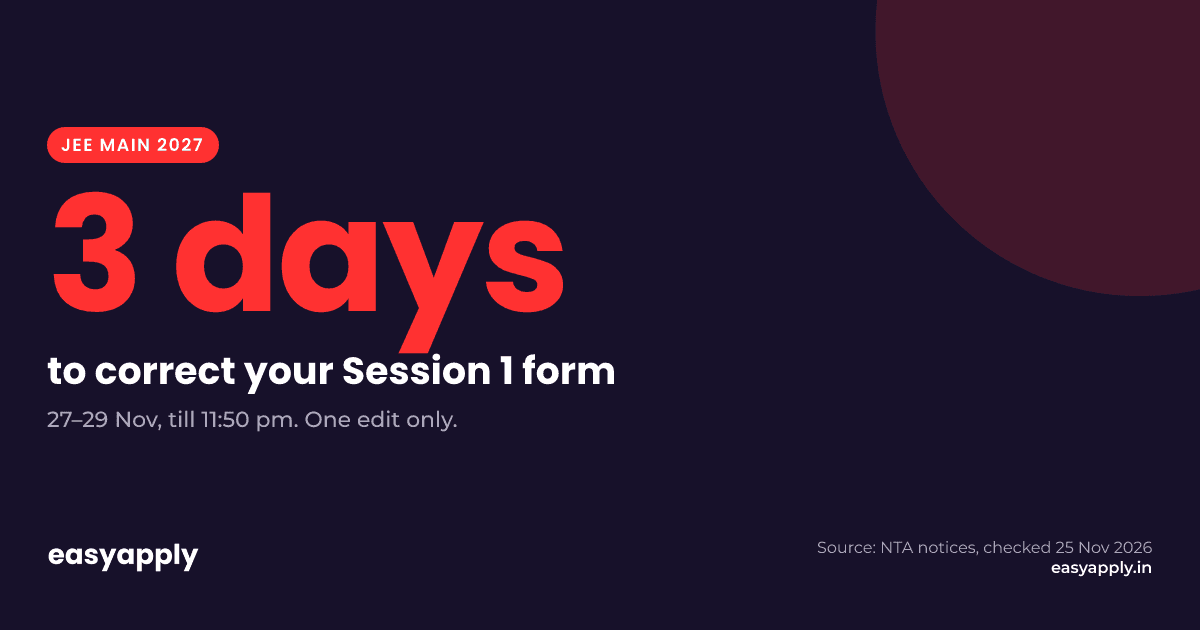
In short: Spotted a mistake in your JEE Main 2027 Session 1 form? You can fix many details between 27 and 29 November 2026, up to 11:50 pm, on jeemain.nta.nic.in. It is a one-time edit, so check everything before you submit.
What is the correction window?
It is a short chance to edit some details of a Session 1 form you have already submitted and paid for. NTA's schedule of 24 October lists "Correction in Particulars of Application Form" from 27 to 29 November, on the website only.
NTA's notice of 30 October adds a clear tip: if you only need to change certain details, use this window instead of filling a fresh form. A fresh form means paying the fee again, and the old fee is not refunded or adjusted. The fresh-form route itself ends with the late-fee deadline on 26 November. (We explained that choice earlier this month.)
What can usually be changed?
As of 25 November, NTA has not yet posted the list of fields for this window. It usually does so when the window opens. The best guide is the last window, for Session 2 in February 2026. For candidates applying for the first time, NTA then allowed changes to:
- Class 10 and Class 12 details, and the state code of eligibility
- date of birth, gender and category
- sub-category or PwD status (if not verified through the UDID portal)
- signature and paper
- exam city choices and medium of the paper
- Aadhaar details, for those who registered with another ID
- only one of these: your name, your father's name or your mother's name
If a change raises your fee (a category change, for example), you pay the difference. NTA does not refund fees if a change lowers them.
What usually cannot be changed?
In the same February notice, NTA did not allow new candidates to change their mobile number, email address, permanent and present address, emergency contact details, or photograph. Plan on these being locked again.
If a locked detail is wrong, contact the NTA help desk before the window closes: 011-40759000 or 011-69227700, or jeemain@nta.ac.in.
What new candidates could change
- Category, gender, date of birth
- Class 10 and 12 details
- Exam cities, paper, medium
- One of: your, father's or mother's name
- Mobile number and email
- Address
- Emergency contact
- Photograph
For students
- Log in early on 27 November. Do not leave it for the last night, when the site is busiest.
- Open your confirmation page and read every line: name, date of birth, category, cities, marks.
- Make all your changes in one sitting. Once you submit, the form is frozen.
- Pay any extra fee and download the new confirmation page. Keep a copy on your phone and one printed.
- Using two application numbers to sit the same session twice is treated as unfair means.
Your correction checklist
- 1Log in early on 27 Nov
- 2Read every line of the confirmation page
- 3Make all changes in one sitting
- 4Pay any extra fee
- 5Download the new confirmation page
For parents
- Sit with your child for ten minutes and read the confirmation page together. A second pair of eyes catches spelling and date mistakes.
- Category matters most later, at counselling. Make sure your child's certificate matches exactly what the form says.
- Check that the mobile number and email on the form are your child's or yours. NTA sends every update there.
- Only use jeemain.nta.nic.in. No agent or cyber café can "unlock" a field NTA has closed.
Key dates
| Date | What |
|---|---|
| 27–29 Nov 2026 (till 11:50 pm) | Correction window, one-time |
| 30 Dec 2026 | Exam city announced |
| 13 Jan 2027 | Admit cards |
| 20, 21, 22, 23, 24 and 28 Jan 2027 | Session 1 exam |
Sources
- National Testing Agency, Public notice: inviting online applications for JEE (Main) 2027 Session 1 (24 October 2026): correction window, city, admit card and exam dates, help desk. Checked 25 Nov 2026.
- National Testing Agency, Public notice: clarification regarding a fresh application form (30 October 2026): use the correction facility for small changes, fee not refunded, unfair-means rule. Checked 25 Nov 2026.
- National Testing Agency, Public notice: correction in particulars for JEE (Main) 2026 Session 2 (21 February 2026): fields that could and could not be changed last time. Checked 25 Nov 2026.
- JEE Main public notices: no field list for the 2027 window posted yet. Checked 25 Nov 2026.
Dates can change. Confirm on the official website before you pay or apply.
Check the form once, calmly, then get back to revision. More on easyapply.in when the city slip comes out.